OptiSigns Digital Signage
Turn idle Cisco Webex Rooms, Boards, and Desks into digital signage between meetings. OptiSigns pushes images, videos, dashboards, and 70+ web apps to your devices during Standby — content clears the moment a meeting starts. Connect once, manage org-wide.
OptiSigns Digital Signage
Turn idle Cisco Webex Rooms, Boards, and Desks into digital signage between meetings. OptiSigns pushes images, videos, dashboards, and 70+ web apps to your devices during Standby — content clears the moment a meeting starts. Connect once, manage org-wide.
Cloud digital signage for Cisco Webex Rooms, Boards, and Desks.
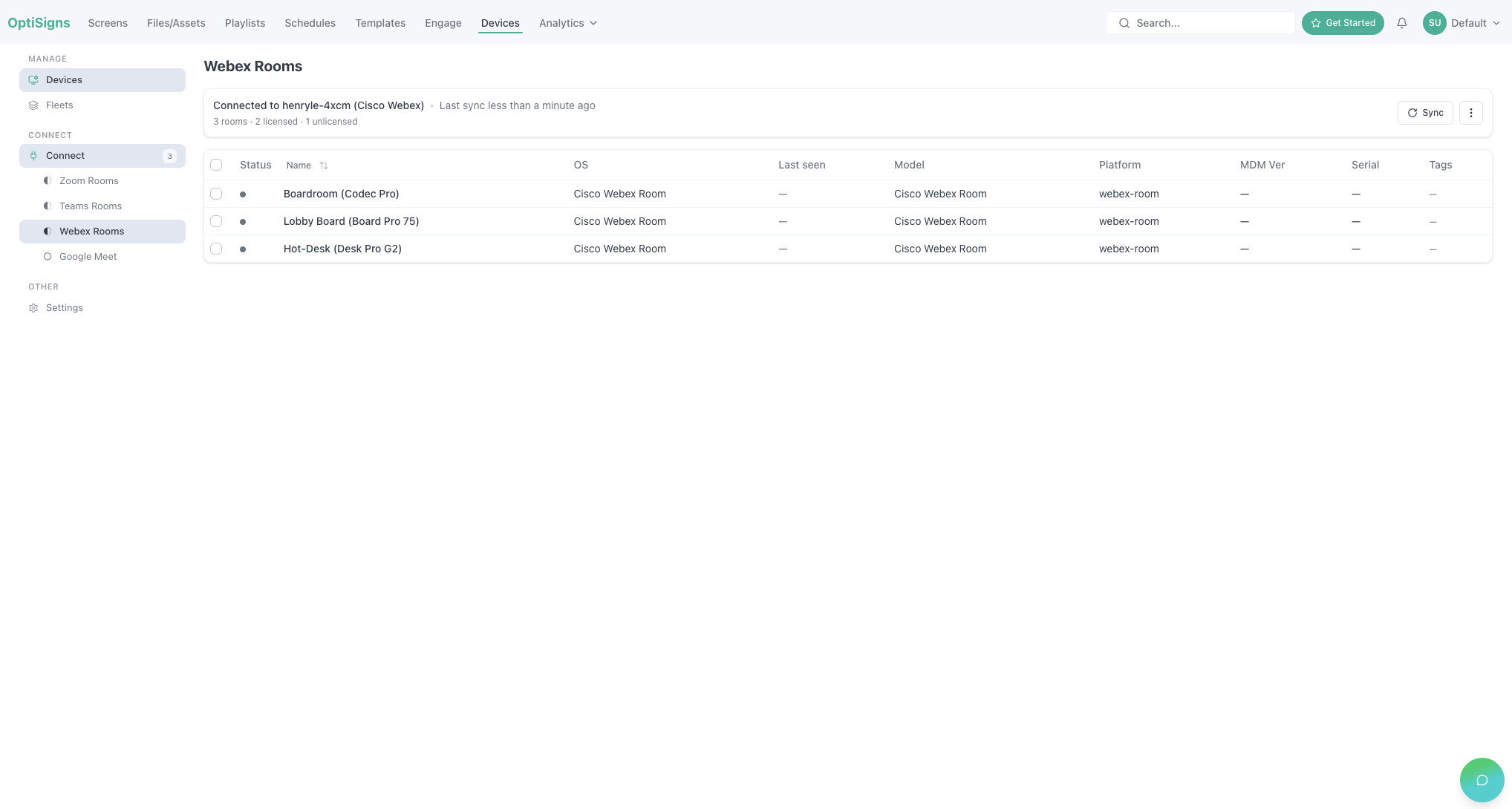
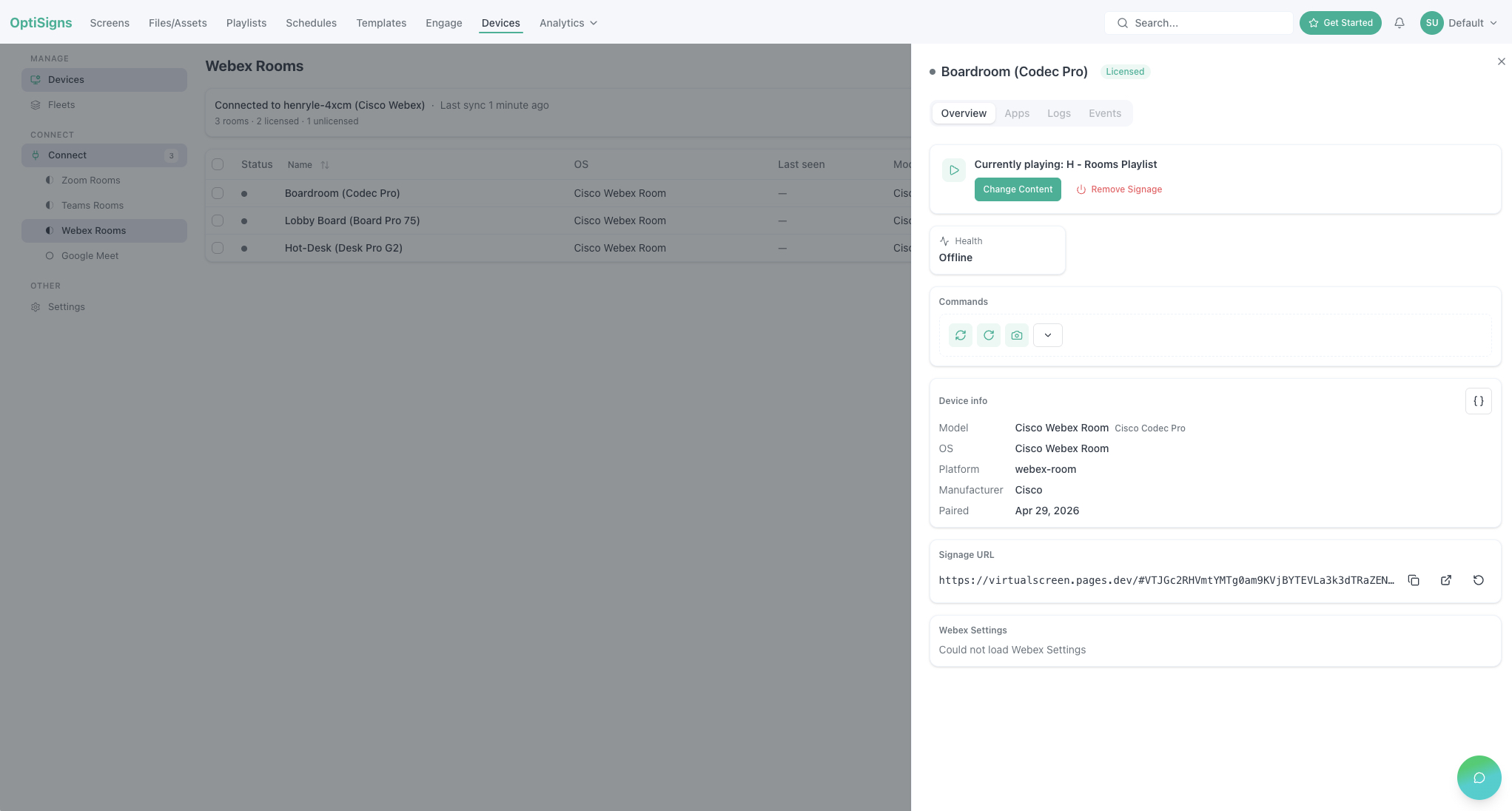
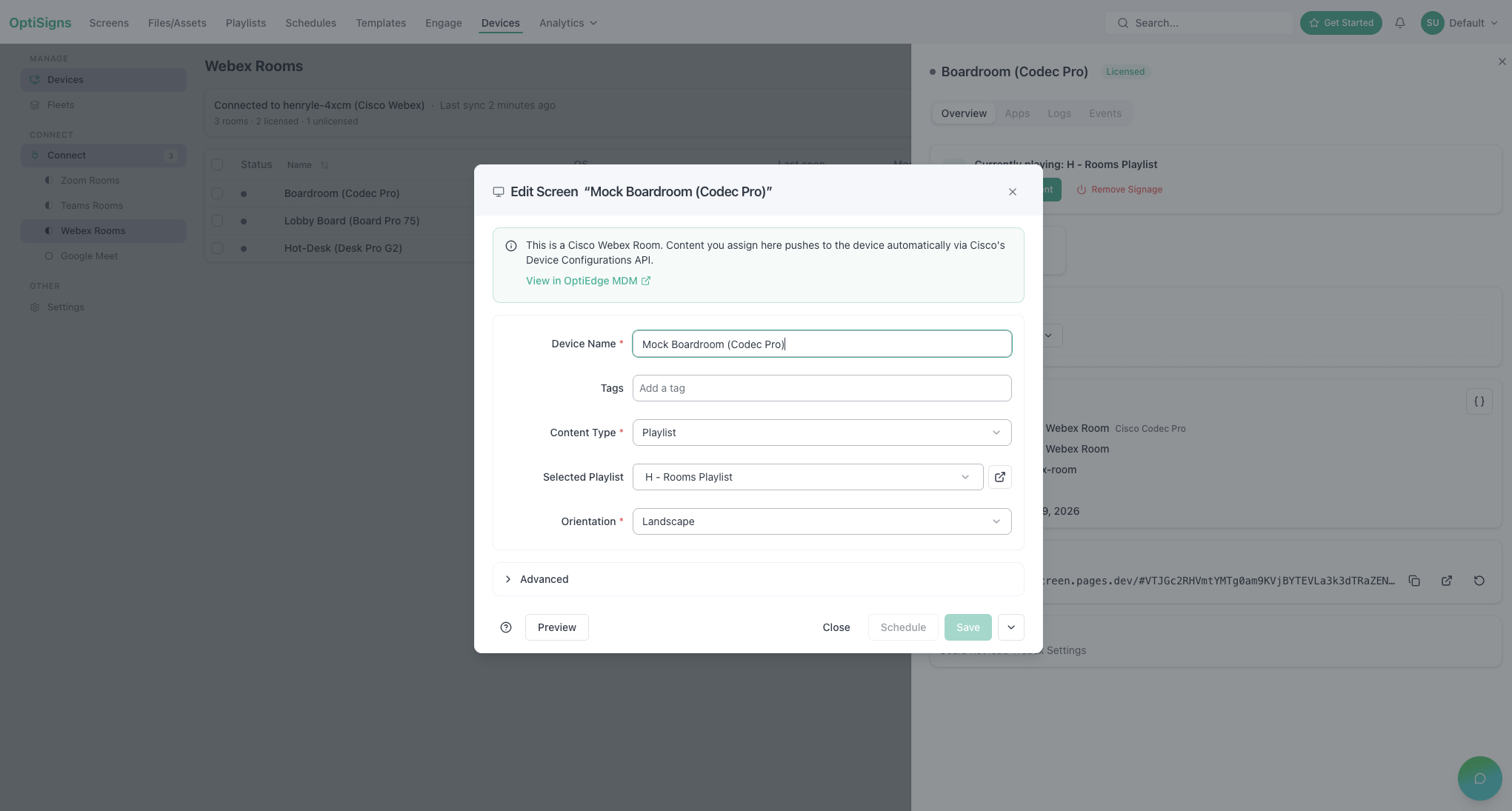
OptiSigns pushes images, videos, dashboards, and 70+ web apps to your Webex devices during standby. The signage URL is set via the official Webex API — no app to install — and content auto-clears on any incoming call or meeting.
Requirements: an active Webex account with paired WebEngine-capable RoomOS devices, and an OptiSigns account (free trial).
Highlights
- Works on WebEngine-capable RoomOS devices (Codec Pro, Board Pro, Desk Pro, Room Bar Pro)
- Drag-and-drop scheduling, dayparting, and timezone-aware rules
- 70+ apps: Google Slides, Power BI, Tableau, weather, custom HTML
Get started
- A Full Admin approves OptiSigns in Webex Control Hub (org-wide).
- Sign in at app.optisigns.com → click Connect Webex.
- Activate signage per room — pay only for activated rooms.
Support


Categories
Cloud digital signage for Cisco Webex Rooms, Boards, and Desks.
OptiSigns pushes images, videos, dashboards, and 70+ web apps to your Webex devices during standby. The signage URL is set via the official Webex API — no app to install — and content auto-clears on any incoming call or meeting.
Requirements: an active Webex account with paired WebEngine-capable RoomOS devices, and an OptiSigns account (free trial).
Highlights
- Works on WebEngine-capable RoomOS devices (Codec Pro, Board Pro, Desk Pro, Room Bar Pro)
- Drag-and-drop scheduling, dayparting, and timezone-aware rules
- 70+ apps: Google Slides, Power BI, Tableau, weather, custom HTML
Get started
- A Full Admin approves OptiSigns in Webex Control Hub (org-wide).
- Sign in at app.optisigns.com → click Connect Webex.
- Activate signage per room — pay only for activated rooms.