Tonkean App
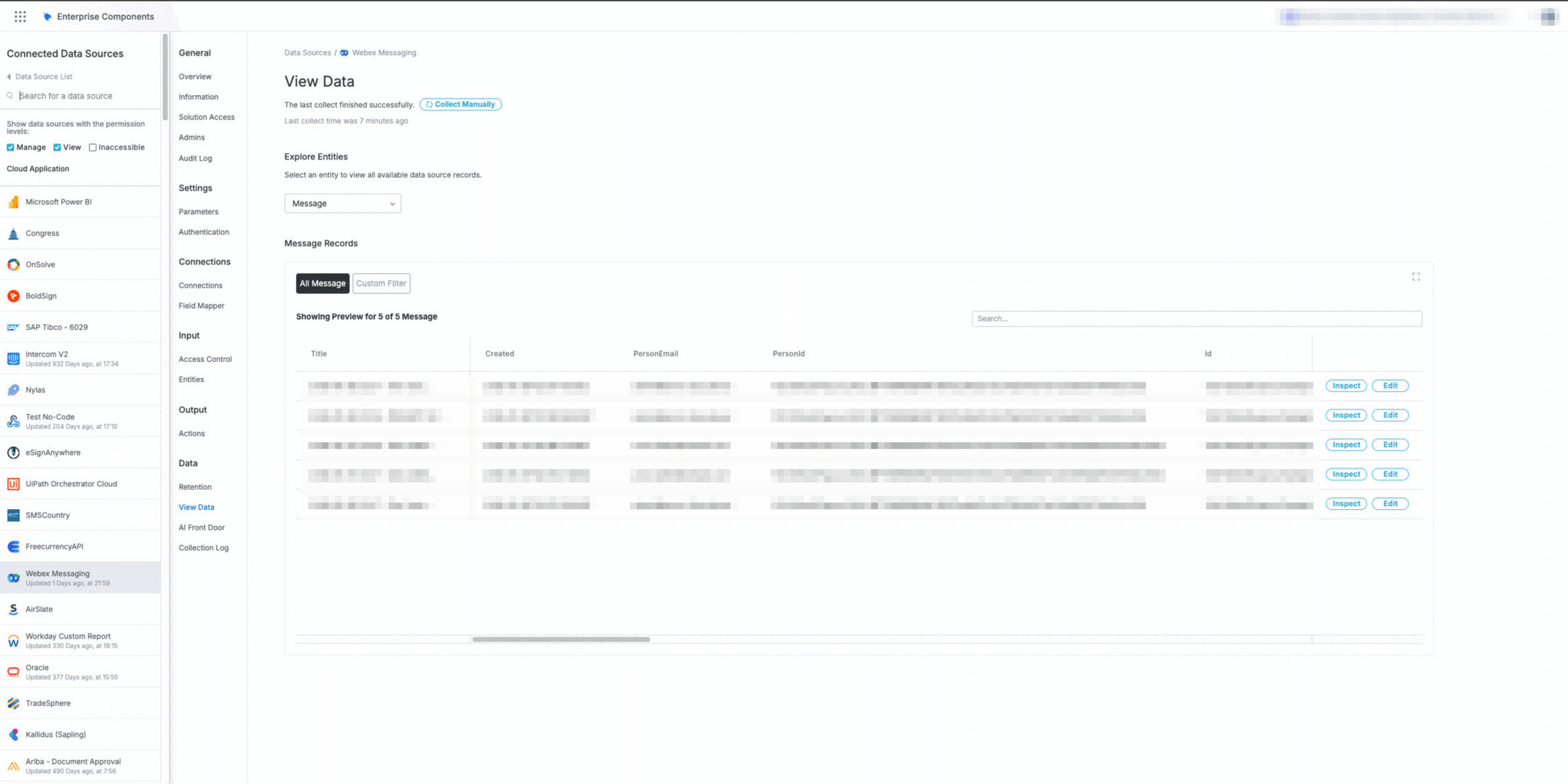
Automate Webex workflows with Tonkean. Monitor messages, teams, and rooms to trigger processes. Send notifications, manage memberships, and connect conversations to your enterprise apps, all without code.
Tonkean App
Automate Webex workflows with Tonkean. Monitor messages, teams, and rooms to trigger processes. Send notifications, manage memberships, and connect conversations to your enterprise apps, all without code.
Tonkean's Webex Messaging integration brings no-code workflow automation to your team's conversations.
Key Capabilities:
- Monitor teams, rooms, messages, and members to trigger workflows and capture requests
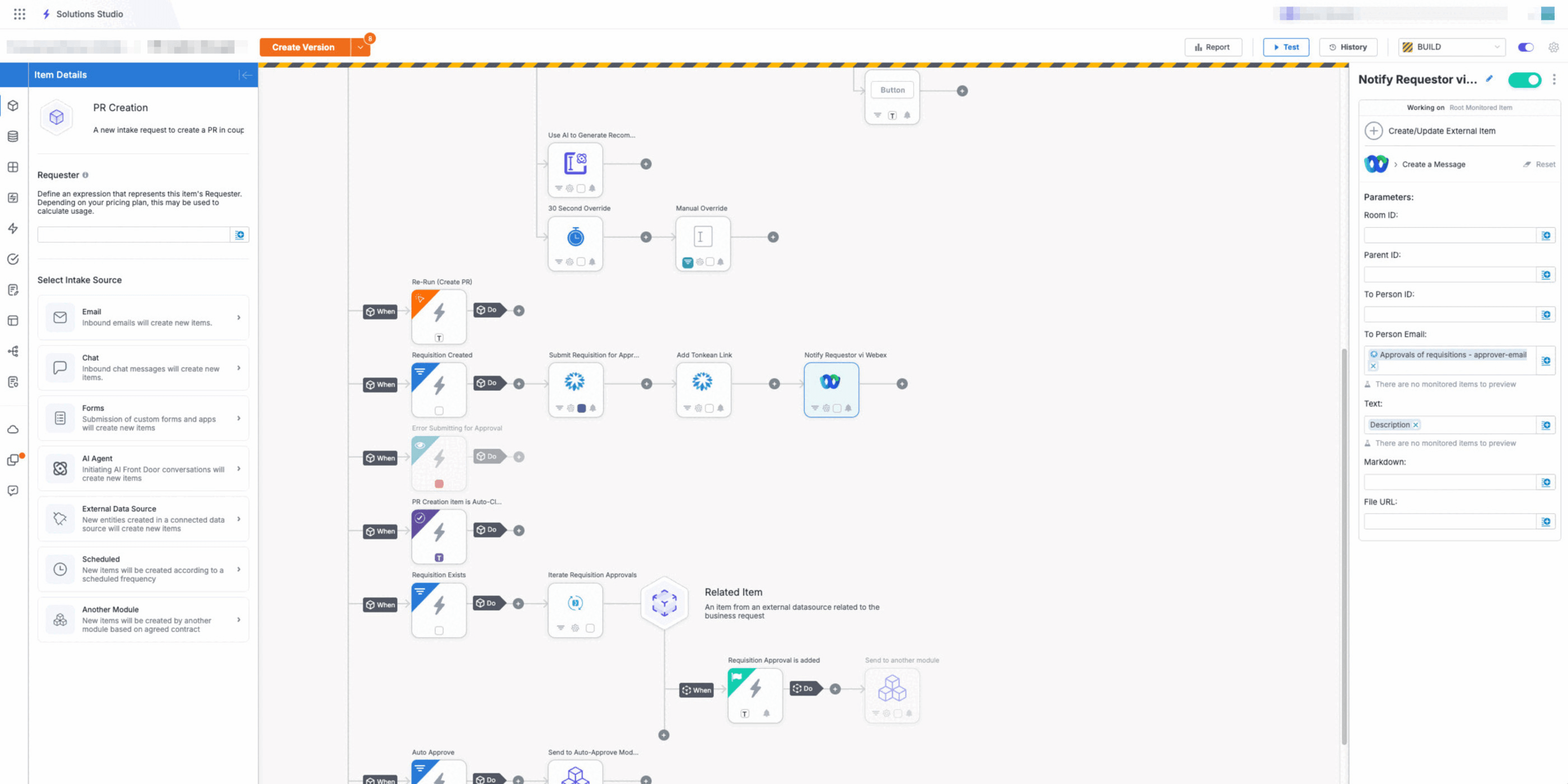
- Send notifications, create and edit messages directly from your workflows
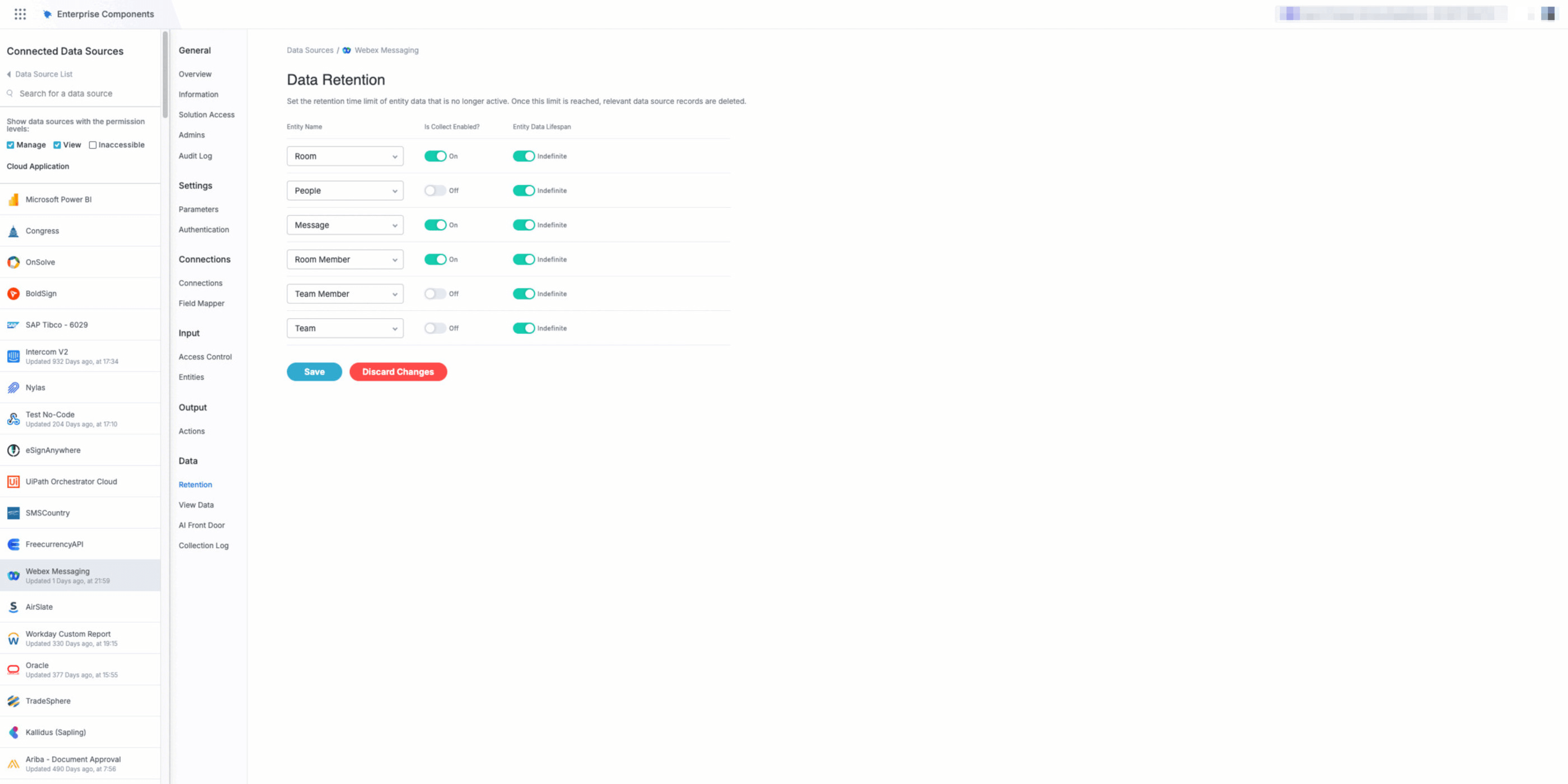
- Add members to rooms and manage your Webex environment
- Connect Webex to your CRM, ITSM, procurement, and 100+ enterprise apps
Use Cases:
- Capture and triage requests from Webex messages
- Send approval requests and collect responses
- Notify teams when workflows complete or need attention
- Sync conversation data with systems of record
Getting Started: Log in to your Tonkean account at https://tracks.tonkean.com/ or schedule a demo at https://www.tonkean.com/get-started. For setup instructions, visit https://docs.tonkean.com/en/data-sources.html
Requirements: This integration requires a Tonkean account and a paid Webex account. For pricing, visit https://www.tonkean.com/pricing.
Support


Categories
Tonkean's Webex Messaging integration brings no-code workflow automation to your team's conversations.
Key Capabilities:
- Monitor teams, rooms, messages, and members to trigger workflows and capture requests
- Send notifications, create and edit messages directly from your workflows
- Add members to rooms and manage your Webex environment
- Connect Webex to your CRM, ITSM, procurement, and 100+ enterprise apps
Use Cases:
- Capture and triage requests from Webex messages
- Send approval requests and collect responses
- Notify teams when workflows complete or need attention
- Sync conversation data with systems of record
Getting Started: Log in to your Tonkean account at https://tracks.tonkean.com/ or schedule a demo at https://www.tonkean.com/get-started. For setup instructions, visit https://docs.tonkean.com/en/data-sources.html
Requirements: This integration requires a Tonkean account and a paid Webex account. For pricing, visit https://www.tonkean.com/pricing.