WallboardFX for WxCC
Put live Webex Contact Center queue and agent metrics on every Smart TV, PC and tablet.
WallboardFX for WxCC
Put live Webex Contact Center queue and agent metrics on every Smart TV, PC and tablet.
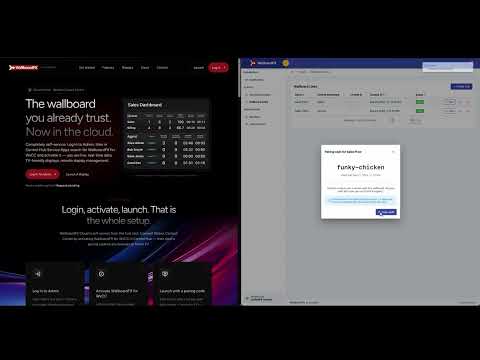
From the creators of PhoneView, MigrationFX and WallboardFX for UCCX. WallboardFX Cloud shows live Webex Contact Center queue and agent metrics on Smart TVs, PCs and tablets, with no player or on-prem server.
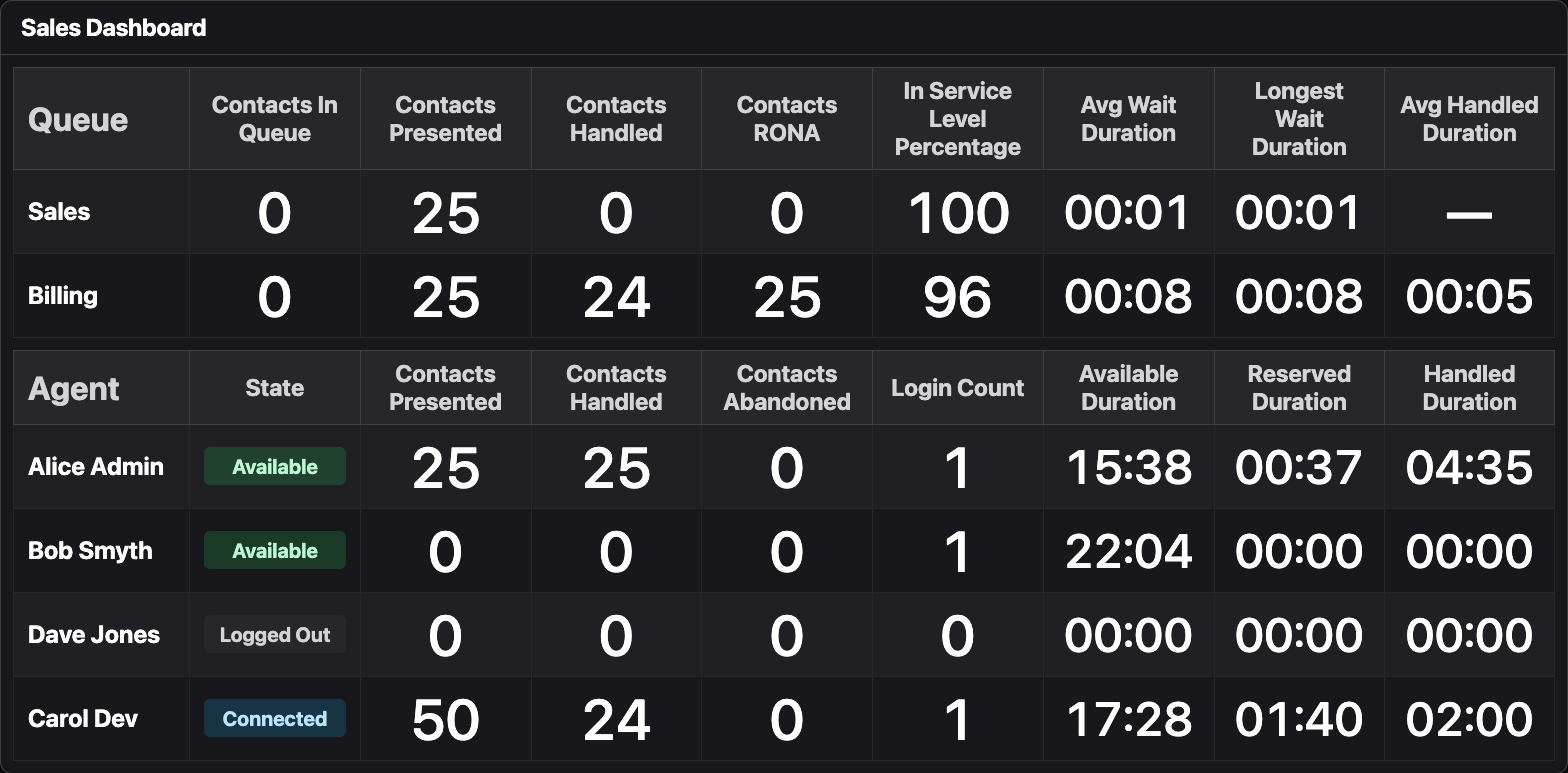
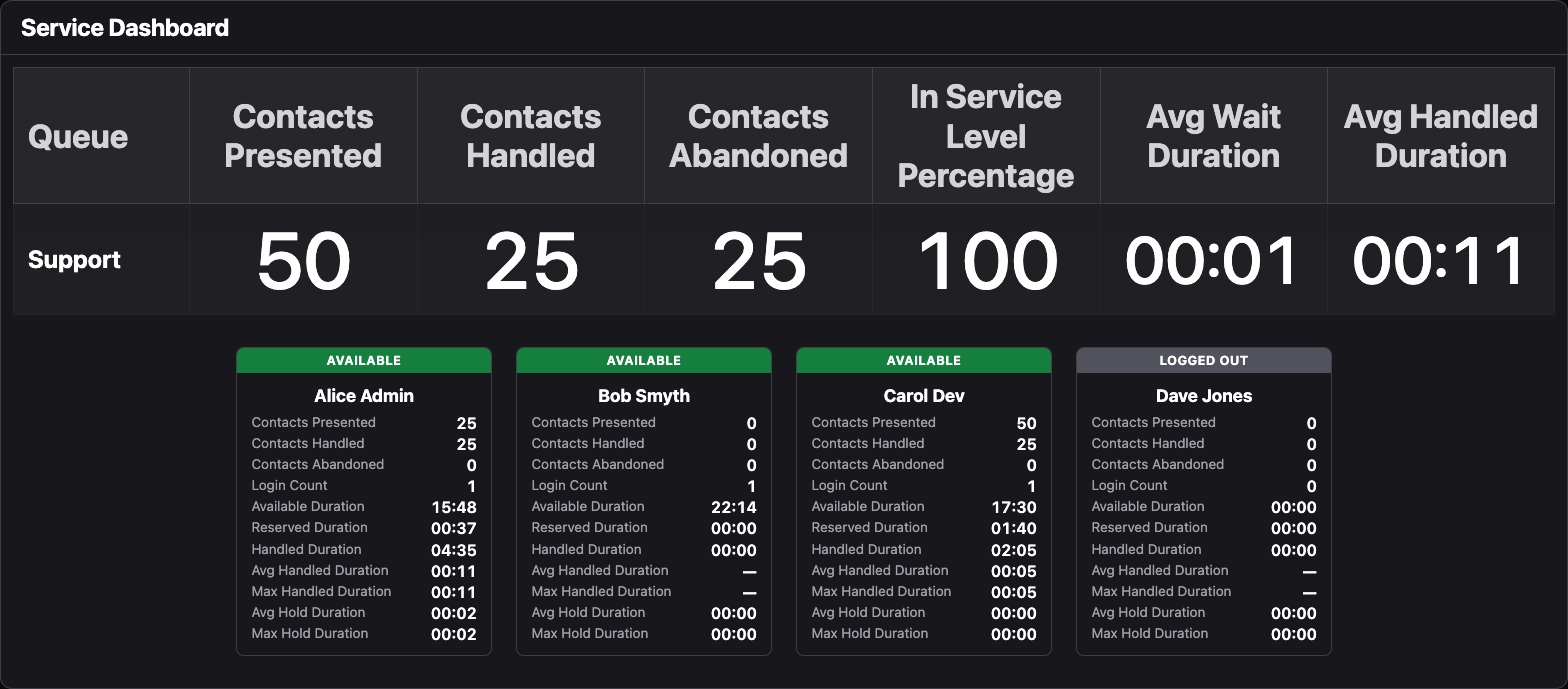
- Live queue tables: contacts in queue, presented, handled and abandoned, wait time and service level
- Live agent tables: current state, contacts handled and time in state
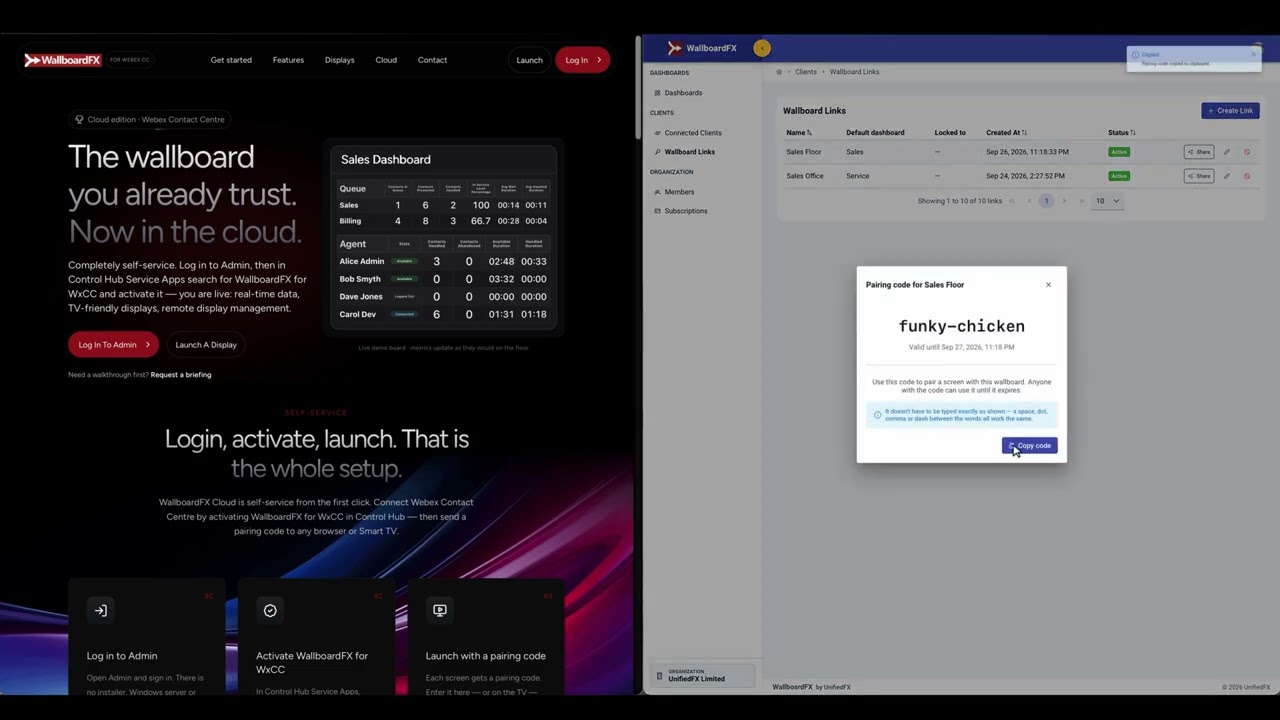
- Manage every display remotely and launch new screens with a pairing code
What you need: an active Webex Contact Center subscription, a Webex Full Administrator and a WallboardFX Cloud subscription, licensed annually by concurrent agents (contact sales@unifiedfx.com for a quote). You don't need a separate WallboardFX account: you sign in with Webex.
Getting started is simple: follow the setup guide at https://wallboardfx.com/webex/ to sign in to the WallboardFX Console, authorize the Service App in Collaboration Control Hub and put a dashboard on a screen.
Support


Categories
From the creators of PhoneView, MigrationFX and WallboardFX for UCCX. WallboardFX Cloud shows live Webex Contact Center queue and agent metrics on Smart TVs, PCs and tablets, with no player or on-prem server.
- Live queue tables: contacts in queue, presented, handled and abandoned, wait time and service level
- Live agent tables: current state, contacts handled and time in state
- Manage every display remotely and launch new screens with a pairing code
What you need: an active Webex Contact Center subscription, a Webex Full Administrator and a WallboardFX Cloud subscription, licensed annually by concurrent agents (contact sales@unifiedfx.com for a quote). You don't need a separate WallboardFX account: you sign in with Webex.
Getting started is simple: follow the setup guide at https://wallboardfx.com/webex/ to sign in to the WallboardFX Console, authorize the Service App in Collaboration Control Hub and put a dashboard on a screen.